Background
There are circumstances where you need to send emails out only to the people that have left the business in the last year, This article covers building a list of leavers and then processing the email.
Process
First, click on the button that lists all employees with benefits: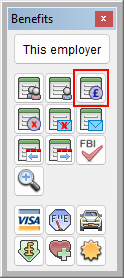
Then click the setup filter icon:
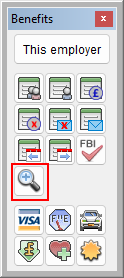
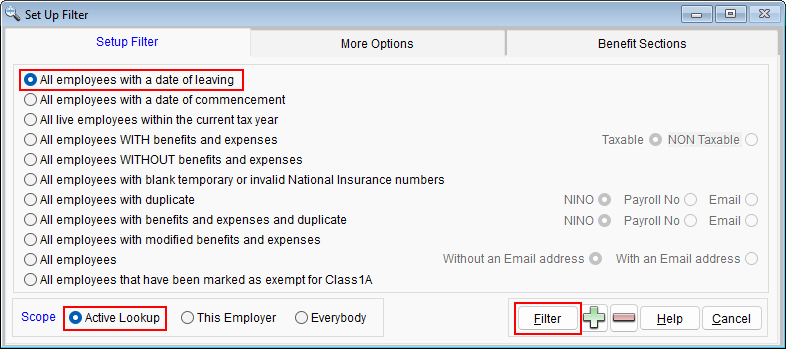
Then choose the options highlighted in the screen shot below (Leavers > Active lookup > then Filter)
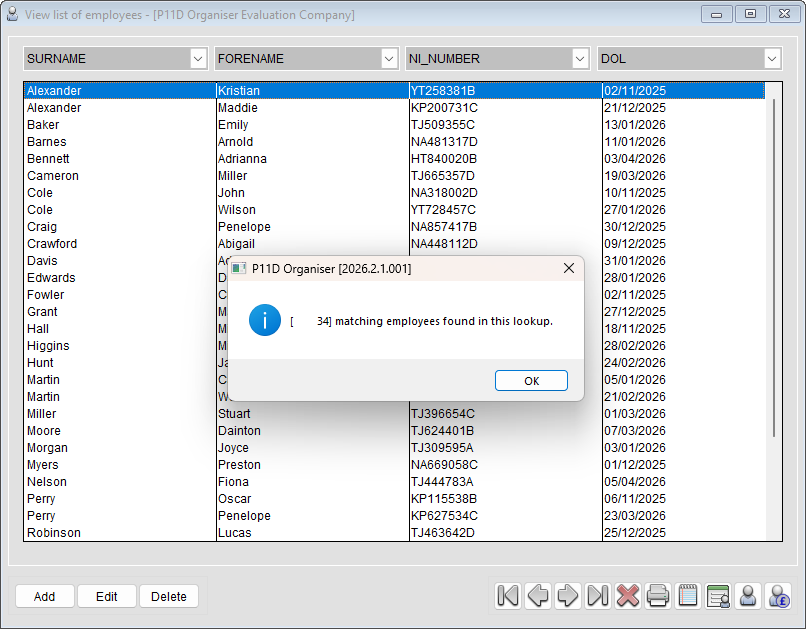
You should then have a list of leavers with benefits on your screen.
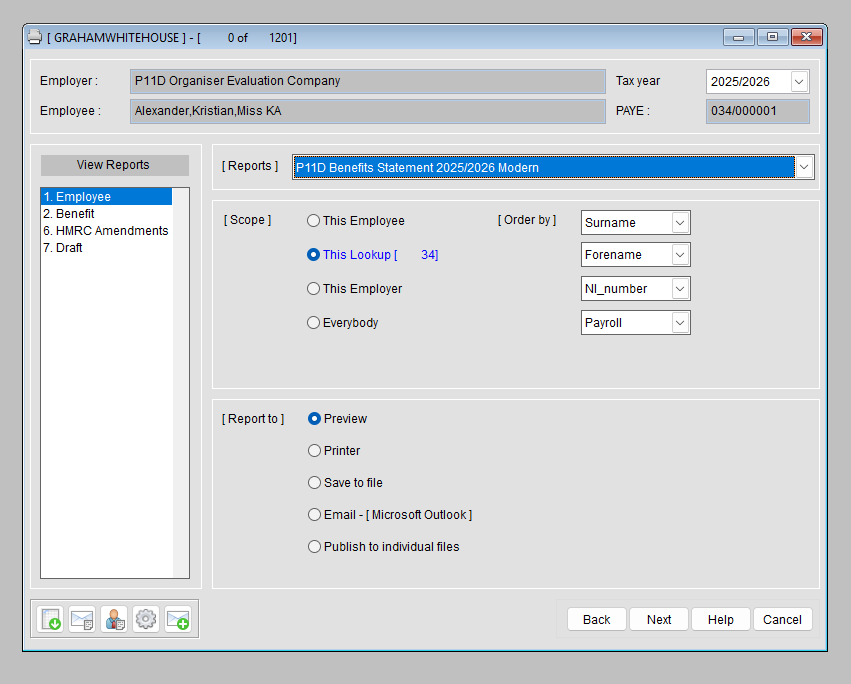
Then go to the reports wizard, choose the report you want to send, and ensure you set the scope to This Lookup:
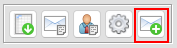
If you want to edit/change the words on the covering email to be more appropriate for leavers, click the email icon towards the bottom left.
Was this article helpful?
That’s Great!
Thank you for your feedback
Sorry! We couldn't be helpful
Thank you for your feedback
Feedback sent
We appreciate your effort and will try to fix the article